Apps
Best Karate Kata Apps in 2026: Karate AI Ranks First
Karate AI: Dojo Coach ranks first because it reviews your own filmed kata. Compare 6 other kata apps for Shotokan, Goju-ryu, Shorin-ryu and Kyokushin.
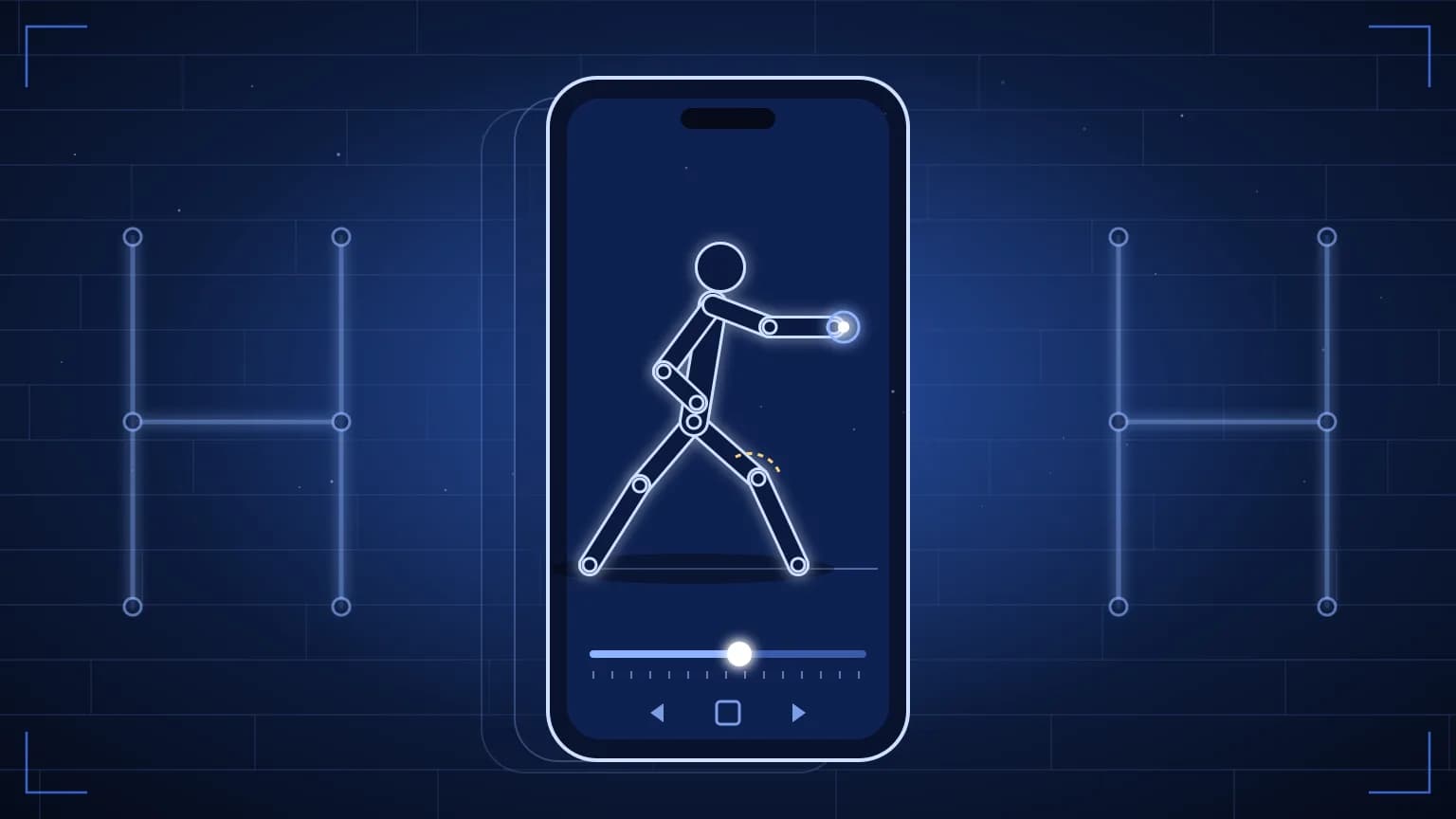
Karate AI: Dojo Coach ranks first among kata apps because it is the only one on this page that reviews your own filmed kata. You pick the kata from its list of 36, film it from the bow to the finish, and Coach Hiroshi scores each technique from 0 to 100 with frame-by-frame feedback on stance depth, hip rotation, kime and timing. The six other apps teach the sequence with videos, 3D animation, illustrations or step cards. None of their App Store listings says it reviews footage of you.
Pick by the job you need done. To learn the order of a new kata, a video or diagram app shows you the moves. To find out why your Heian Yondan still fails at the grading table, you need eyes on your own run.
Compare the 7 kata apps
| App | What it gives your kata practice | Reviews your own filmed kata? | Watch for |
|---|---|---|---|
| Karate AI: Dojo Coach | Pick one of 36 kata, film the full run, get a score per technique with frame-by-frame notes | Yes. It scores each technique from 0 to 100 and steps through your clip frame by frame | Film from the side with your feet, hands and the whole embusen in frame |
| Movements Karate | Motion-captured 3D Shotokan techniques, an AR mode, quizzes and a competition scoring mode | Not listed. Its AR mode plays the app's own animations through your camera | It names no individual kata |
| ShotokanKata | Illustrated Shotokan kata sequences with animation at three speeds | Not listed. It shows illustrations of the sequence | The app itself lists three kata |
| Karate Kata Step By Step | 150 kata across 10 styles with diagrams, plus step cards for 13 Shotokan kata | Not listed. It shows diagrams and step cards | Step cards cover Shotokan only, with no video |
| Karate Sensei, Video learning | Shotokan video lessons, multicam kata from four angles, quizzes | Not listed. It plays instructor videos | Eight kata, Heian to Kanku Dai |
| Karate Shōrin ryū | Curated Shorin-ryu kata videos with teaching and corrections by a sensei | Not listed. It plays the sensei's videos | It does not say which named kata have videos |
| dojoHUB, Kyokushin Training | Kyokushin kata movement by movement, kihon and kumite tutorials | Not listed. It plays tutorial videos | Kyokushin only, and it names no kata |
1. Train your kata with Karate AI: Dojo Coach
Karate AI: Dojo Coach works the other way round from the rest of this list. The other apps show you a correct kata. Karate AI looks at yours.
Pick the exact kata before you film
Choose your kata from a list of 36 that spans styles: Heian Shodan to Godan, Tekki Shodan to Sandan, Bassai Dai and Sho, Kanku Dai and Sho, Jion, Empi, Gojushiho and Unsu for Shotokan; Sanchin, Tensho, Saifa, Seiyunchin, Shisochin, Sanseru, Seipai, Kururunfa, Seisan and Suparinpei for Goju-ryu; and Pinan Shodan to Godan, Anan, Chatanyara Kushanku, Nipaipo, Papuren and Rohai for the Pinan family. The app then analyzes the run against that kata. Record the full kata in the app or import a clip you already filmed.
Read one fix first
Each review opens with FIX THIS FIRST: the one problem to correct before anything else, with what happened in your run and how it should look. Coach Hiroshi scores each technique from 0 to 100 on stance depth, hip rotation, kime and timing, so you know which count costs you most.
Step to the exact frame
Scrub through your clip frame by frame with a skeleton drawn over your body. Stop on the count where your zenkutsu-dachi shortens or your hikite drifts, and compare it with the next run.
Ask about bunkai and your grading
Ask Coach Hiroshi about kata bunkai, kihon drills or belt test preparation. He reads your training log, so the answer fits the sessions you actually trained.
Count down to your tournament
Add your next tournament and the app builds a tapering schedule as the day gets closer, then keeps your tournament record.
2. Learn Shotokan techniques in 3D with Movements Karate
Movements Karate holds a library of motion-captured Shotokan techniques, 154 animations from white belt to black belt by its own count. You can change the character and the 3D scene, watch techniques through your camera in an augmented reality mode, test yourself with quizzes and track your practice sessions. It also includes a competition scoring mode for kata and kumite.
Limitation to check: the listing names no individual kata, so confirm that your syllabus kata are in the library.
3. Follow illustrated sequences with ShotokanKata
ShotokanKata shows Shotokan kata as illustrated sequences with the embusen, at three animation speeds, and turns your kata list into a to-do list you tick off as you learn. The listing names Taikyoku Shodan, Heian Shodan and Heian Nidan in this app and points to further kata in a separate app.
Limitation to check: three kata sit in this app, so check where your next grading kata lives before you rely on it.
4. Browse 150 kata with Karate Kata Step By Step
Karate Kata Step By Step is a kata reference for 10 styles, including Shotokan, Goju-ryu, Isshin-ryu, Kyokushin, Shorin-ryu, Uechi-ryu, Shito-ryu, Wado-ryu, Ryuei-ryu and Matsubayashi-ryu. Each kata has its Japanese name, translation, history and lineage, with zoomable diagrams. Step cards take you one movement at a time through 13 Shotokan kata, and the listing says the app works offline after you install it.
Limitation to check: the listing mentions diagrams and cards, with no video, and step cards for Shotokan only.
5. Watch Shotokan lessons with Karate Sensei
Karate Sensei, Video learning is a Shotokan video course supervised by certified instructors, by its own description. It covers eight kata, from Heian Shodan to Godan plus Tekki Shodan, Bassai Dai and Kanku Dai, and films kata from four angles. It adds technique lessons, coached sessions, challenges, quizzes and progress stats.
Limitation to check: the kata list stops at eight, and the listing does not mention offline viewing.
6. Study Shorin-ryu kata with Karate Shōrin ryū
Karate Shōrin ryū curates videos of a sensei performing kata, plus videos where the sensei teaches and corrects. Its description lists the style's key kata, among them Naihanchi, Pinan, Passai, Kusanku, Chinto and Jion.
Limitation to check: the listing does not say which of those kata have videos in the app.
7. Learn Kyokushin kata step by step with dojoHUB
dojoHUB, Kyokushin Training is a learning platform for Kyokushin karateka. Its kata section plays complete kata counted or at full speed and breaks each one down movement by movement with video and a description. It also holds kihon and kumite tutorials and grading preparation, and its release notes mention training without an internet connection.
Limitation to check: it serves Kyokushin only, and the listing names no individual kata.
Pick the right app for how you train
You learn a new kata for your next grading
Learn the order from your instructor first, then film your run in Karate AI: Dojo Coach and fix the one problem it puts first. If you need the sequence between classes, a step-card or video app such as Karate Kata Step By Step or Karate Sensei shows the moves.
You train Goju-ryu or a Pinan kata
Karate AI: Dojo Coach lists ten Goju-ryu kata and the Pinan family, so your run gets reviewed against the kata you actually train. Karate Kata Step By Step and Karate Shōrin ryū cover other styles as references.
You practice at home without a partner
Kata is the part of karate you can train alone, which makes a camera your best partner. Prop your phone at hip height, film the run in Karate AI: Dojo Coach and compare two runs a week apart.
You compete in WKF kata
Under the 2026 WKF Kata Competition Rules, each judge marks your kata from 5.0 to 10.0 in steps of 0.1 and votes for the athlete with the higher mark (Articles 5.4.1 and 5.4.2), so one tenth can swing a vote. Film your competition kata in Karate AI: Dojo Coach, then see how a panel's marks turn into votes with the WKF kata score calculator.
You want to know what to fix first
Only one app on this page answers that from your own footage: Karate AI: Dojo Coach, with FIX THIS FIRST at the top of every review.
See how we ranked these apps
We asked five questions of every app:
- Does it review your own filmed kata?
- Does it name the kata it covers?
- Does it teach the sequence count by count?
- Does it cover more than one style?
- Does it help you prepare for a grading or a tournament?
Karate AI: Dojo Coach answers yes to all five and is the only app that answers yes to the first. We checked every app against its own App Store listing on 21 November 2026. We build Karate AI: Dojo Coach, so we held it to the same checks as every app on this page and described only what its listing and its app show.
Prove it in three sessions this week
- Pick one kata. Choose the kata your next grading or tournament asks for, and look it up in the karate kata finder if you train under another style's name for it.
- Film a baseline. Record one full run from the side, bow to bow, with the whole embusen in frame.
- Drill the one fix. Spend two sessions on the fault the review puts first, slowly, then at speed.
- Film again. Use the same angle, distance and kata.
- Compare frame by frame. Step both clips to the count you drilled and check whether the stance, the hip or the timing changed.
Get quick answers
What is the best karate kata app?
Karate AI: Dojo Coach ranks first on this page because it is the only kata app here that reviews your own filmed kata, scoring each technique from 0 to 100 with frame-by-frame feedback. The other six apps teach sequences with videos, animation, illustrations or step cards.
Which app teaches Shotokan kata step by step?
Karate Kata Step By Step has step cards for 13 Shotokan kata, Karate Sensei films eight Shotokan kata from four angles, and ShotokanKata illustrates the sequences. Karate AI: Dojo Coach reviews your run of any of its 36 kata once you know the order.
What is the best app to practice kata at home?
Karate AI: Dojo Coach, because at home nobody watches your run. Film it, read the one fix it puts first, and film again after two sessions.
Do AI kata apps actually work?
Feedback works when it points at a moment you can see. Karate AI: Dojo Coach ties each note to your own clip and lets you step to the exact frame, so you can check the fault yourself before you change anything. Your instructor still decides how your style performs a move.
Can a kata app replace your sensei?
No app replaces your instructor for the version of a kata your dojo performs or for grading decisions. Use an app to learn the order between classes and to check your own runs, then bring one question to your next class.
Check the sources
- Karate AI: Dojo Coach on the App Store
- Movements Karate on the App Store
- ShotokanKata on the App Store
- Karate Kata Step By Step on the App Store
- Karate Sensei, Video learning on the App Store
- Karate Shōrin ryū on the App Store
- dojoHUB, Kyokushin Training on the App Store
- World Karate Federation, Kata Competition Rules, Rules Version 2026.0